Product Design
Digital Trunsformations and Human-Centered Adoption, AI Integration
UX and digital transformation combined with AI implementation focus on improving how users interact with systems while making business processes smarter and more efficient. The process starts with understanding user needs and business goals, then designing and validating solutions that simplify experiences. AI is integrated strategically to automate tasks, enhance decision-making, and personalize interactions. Through iterative design, testing, and collaboration, the final outcome delivers accessible, scalable, and future-ready digital products.
- Discovery & Assessment – Evaluate current systems, user needs, business goals, and pain points to identify digital transformation opportunities.
- UX Research & Insight Gathering – Conduct user research, analyze behavior data, and define key usability gaps and opportunities.
- Strategy & Solution Definition – Align UX goals with digital transformation strategy and identify where AI can improve efficiency, automation, and decision-making.
- User-Centered Design – Design intuitive, accessible, and scalable user experiences that simplify complex workflows.
- AI Use Case Identification – Identify areas for AI integration such as automation, personalization, predictive insights, and content generation.
- Prototyping & Validation – Build interactive prototypes and test both UX concepts and AI-driven features with users and stakeholders.
- Agile Development & Collaboration – Work closely with product managers, developers, and data teams to implement UX and AI solutions iteratively.
- Testing & Optimization – Conduct usability testing, AI performance evaluation, and continuous improvement based on feedback and analytics.
- Accessibility & Compliance – Ensure solutions meet accessibility standards (508/WCAG) and enterprise governance requirements.
- Deployment & Scaling – Launch solutions and scale AI-driven capabilities across platforms and business units.

Create great ideas for user-friendly layout design. Good design can sometimes be the beauty of artful creativity and other times the beauty of simplicity. We’ll get it just right and in a way that supports your overall brand strategies.
- User Interface Design – Create clean, modern, and visually appealing digital interfaces.
- Layout & Visual Design – Design intuitive page layouts that improve usability and user engagement.
- Responsive Design – Ensure consistent experiences across desktop, tablet, and mobile devices.
- Design Systems & Component Libraries – Develop reusable UI components for consistency and scalability.
- Visual Branding Integration – Apply brand standards, colors, typography, and imagery across digital products.
- Wireframes & Mockups – Create detailed screen designs and high-fidelity visual concepts.
- Interactive Prototypes – Design clickable prototypes to demonstrate user interactions and workflows.
- Accessibility & Usability Standards – Design interfaces that support accessibility and best practices.
- Infographics & Visual Assets – Create icons, illustrations, and graphics that enhance communication.
- Style Guides – Establish visual design standards to ensure consistency across applications and websites.
- Presentation & Proposal Design – Develop professional visual materials, presentations, and design concepts.

Experienced in UI development with a strong focus on accessibility, usability, and inclusive design aligned with Section 508 and WCAG standards.
- UI Development (Front-End Collaboration) – Work closely with developers to implement responsive, user-friendly interfaces using modern UI frameworks and design systems.
- Accessible Interface Design (WCAG / 508 Compliance) – Ensure digital products meet Section 508 and WCAG accessibility standards for inclusive user experiences.
- Semantic HTML & Structure Awareness – Apply proper structure to support screen readers, keyboard navigation, and assistive technologies.
- Responsive & Cross-Platform Design Support – Ensure consistent UI behavior across desktop, tablet, and mobile devices.
- Design System Implementation – Support and apply reusable components, patterns, and style guides for scalable UI development.
- Accessibility Testing & Validation – Use tools and manual testing to identify and fix accessibility issues (color contrast, focus order, ARIA labels, etc.).
- Collaboration with Development Teams – Partner with engineers to ensure accurate implementation of UX/UI designs.
- User-Centered UI Optimization – Improve interfaces based on usability feedback, testing results, and accessibility findings.
- 508 Compliance Documentation Support – Contribute to accessibility documentation, audit preparation, and compliance reporting.
- Inclusive Design Practices – Design and develop interfaces that support users with diverse abilities and assistive technologies.

Passionate about visual storytelling, design, and technology. Create compelling graphic communications that strengthen brand identity, simplify complex information, and engage audiences across print, digital, and interactive media.
- Graphic Design & Visual Communications – Develop impactful visual solutions that support branding, marketing, and business objectives.
- Infographics & Data Visualization – Transform complex information and data into clear, engaging visual stories.
- Brand Identity & Logo Design – Create memorable logos and visual assets that reinforce brand recognition.
- Custom Illustrations – Design original illustrations for digital, print, educational, and marketing materials.
- Training & Educational Graphics – Develop instructional illustrations and visual learning materials for online and classroom environments.
- Animation & Motion Graphics – Create engaging animations to explain concepts, processes, and products.
- Marketing & Proposal Design – Design professional proposals, presentations, brochures, and promotional materials.
- Digital & Print Media – Produce visual content for websites, social media, publications, and print campaigns.
- Product & Illustrative Photography – Create and enhance imagery that effectively showcases products and services.
- Video Editing & Multimedia Content – Produce polished video content for training, marketing, and communication initiatives.
- Responsive Visual Content – Design graphics optimized for desktop, mobile, and digital platforms.

Design, collaborate, and communicate visually. Solve complex, serious problems and create simple, humane, ingenious solutions. Collaborate with business analysts, product managers, developers teams on research activities, strategy sessions, ideation, design, and testing of new product concepts. Build empathy and be an advocate for our customers through participation in human-centered research and design. Translate user needs, style guides, and requirements into elegant solutions for complex problems. Present research findings and design concepts to designers, product and tech partners.User-Friendly Interface Design.
- UX Research & Discovery – Conduct user interviews, surveys, stakeholder workshops, and data analysis to understand user needs and business goals.
- User Experience Strategy – Define UX vision, research-driven recommendations, and experience roadmaps.
- Human-Centered Design – Advocate for users by creating solutions based on real user behaviors, needs, and feedback.
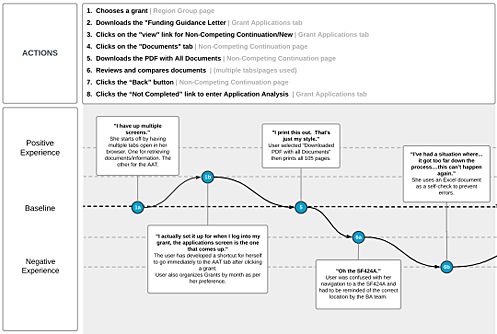
- User Journey Mapping – Visualize end-to-end user experiences to identify pain points and opportunities for improvement.
- User Flow Analysis & Optimization – Analyze and streamline workflows to improve usability and task efficiency.
- Information Architecture – Organize content, navigation, and system structure for intuitive user experiences.
- Wireframing & Prototyping – Develop low- and high-fidelity prototypes to validate concepts and interactions.
- Usability Testing – Plan, conduct, and analyze usability studies to uncover issues and improve user satisfaction.
- Heuristic Evaluation & Accessibility Reviews – Assess applications against usability principles and accessibility standards.
- Design Thinking & Ideation Workshops – Facilitate collaborative sessions to generate innovative, user-focused solutions.
- Cross-Functional Collaboration – Partner with product managers, business analysts, developers, and stakeholders throughout the product lifecycle.
- Research Analysis & Insights – Synthesize qualitative and quantitative findings into actionable recommendations.
- Experience Design & Validation – Transform research findings and requirements into intuitive, effective digital experiences.
- Stakeholder Presentations & Communication – Present research findings, UX strategies, and design recommendations to leadership and project teams.
Skills & Expertise
A blended toolkit of research-driven design tools and AI-powered innovation, built for digital transformation at the enterprise level.
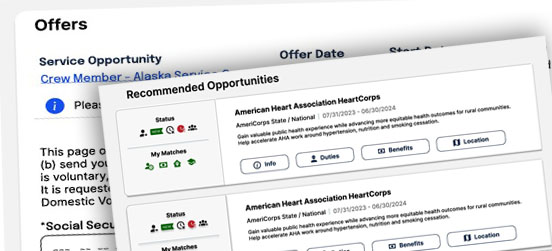
UX Design Showcase
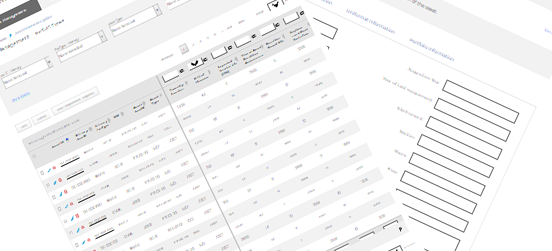
Demo 01
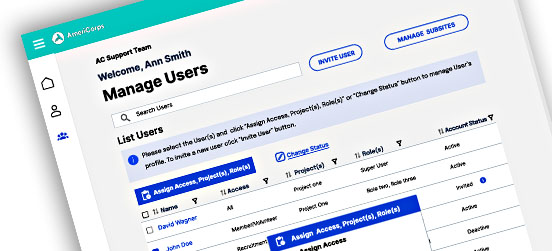
Asset Management per personas (ask for password)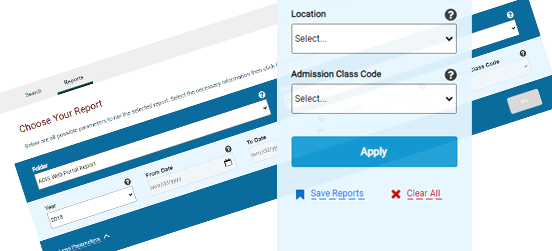
Demo 02
Search (ask for password)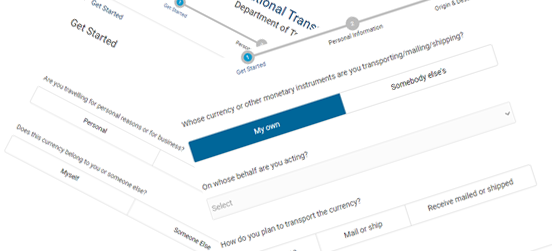
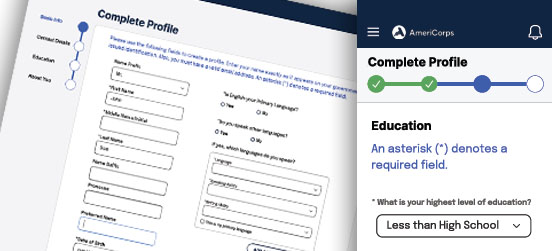
Demo 03
Form: gather data from the user (ask for password)
Demo 04
Data display for the user (ask for password)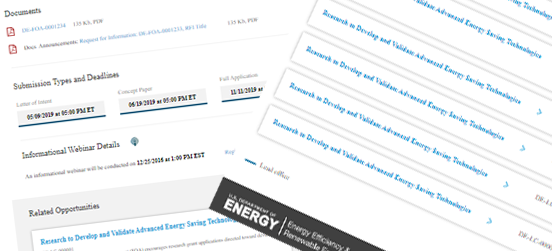
UX Development Process

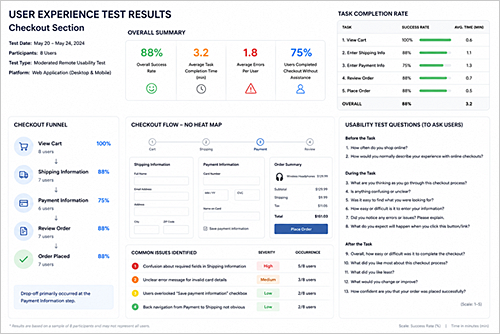
Usability Testing
User Testing Process
- Define testing goals
- Create user scenarios and tasks
- Recruit target users / SMEs
- Prepare test plan and success metrics
- Conduct moderated or unmoderated testing
- Observe user behavior and pain points
- Document usability issues and findings
- Analyze and prioritize issues by impact
- Share recommendations with teams
- Refine designs based on feedback
- Validate improvements through follow-up testing
Usabilty Issues prioritization
- Prioritize usability issues by user impact, business impact, and frequency
- Assess severity of impact on task completion (blocker, error, or minor issue)
- Evaluate how often the issue occurs across users or sessions
- Align issues with business goals, compliance, and system priorities
- Classify issues by severity: critical, high, medium, low
- Collaborate with product and development teams in Agile planning
- Decide what to fix immediately vs defer based on impact
- Focus on resolving highest-impact usability problems first
User Experience Test Results
Customer Journey Map
GAME Demo
Choose the TOP 5 winning cyclists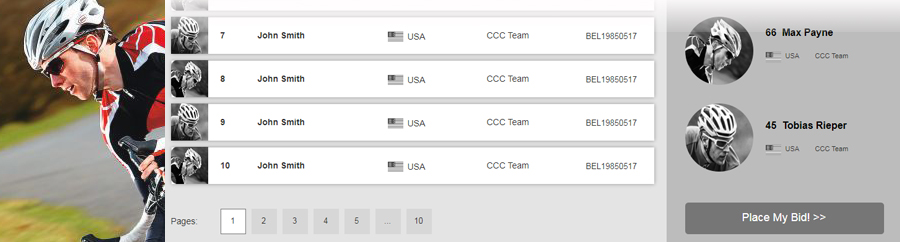
Featured Product Design Projects
Mix just the right balance of design and technology. The results are great digital experiences and happy users, making for satisfied clients.
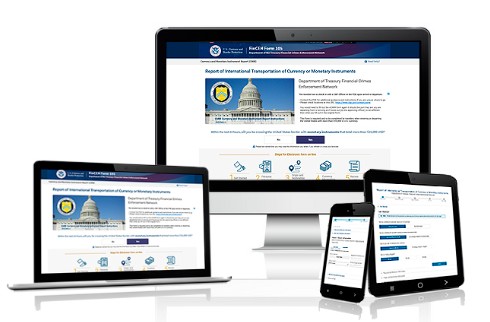
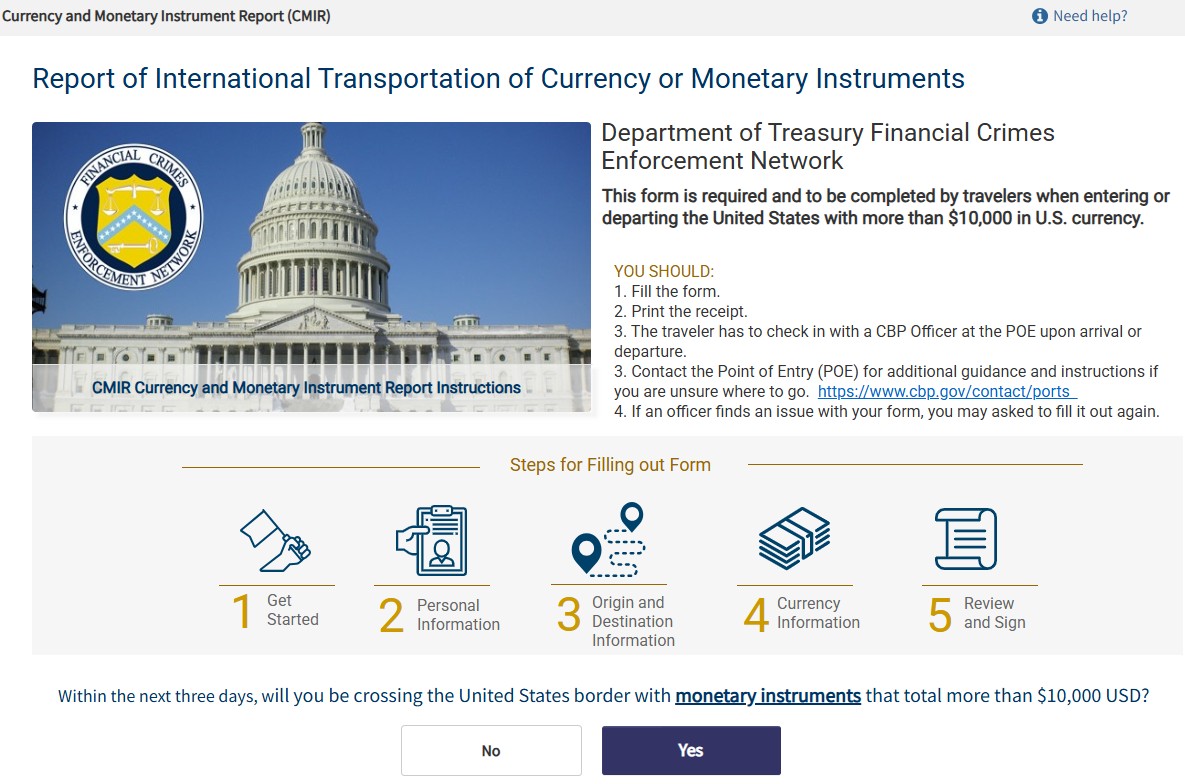
CBP Interface Integration
Currency or Monetary Instruments
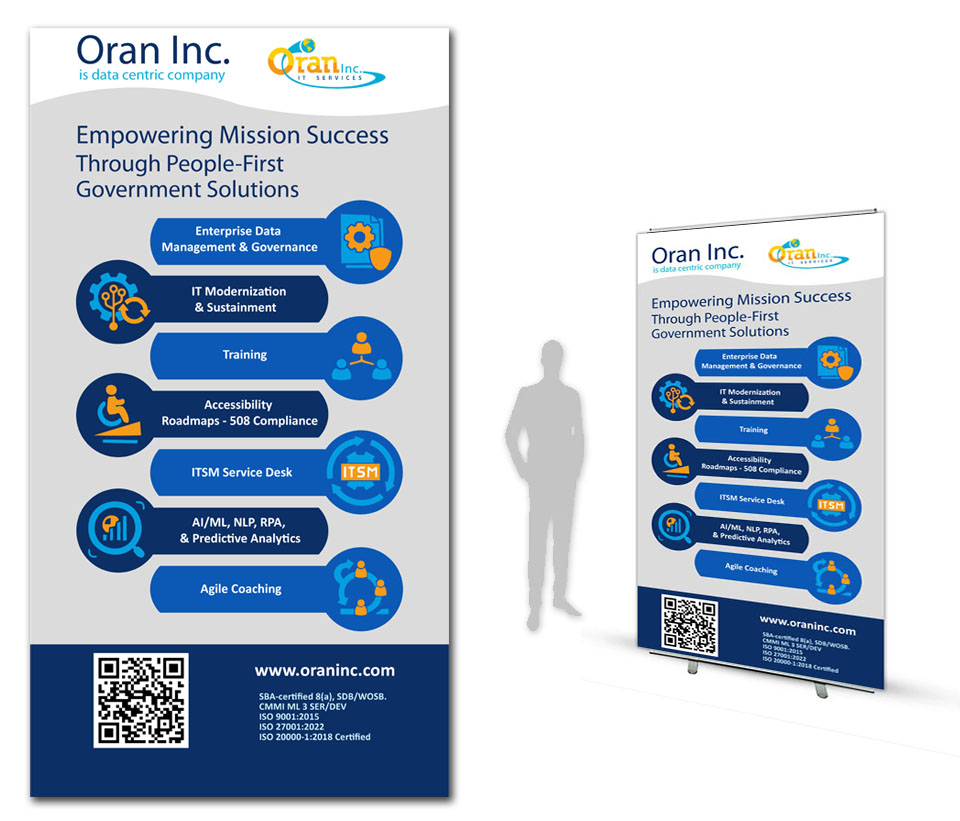
Poster
Poster designed and printed for presentation event - 37 inch on 74 inch
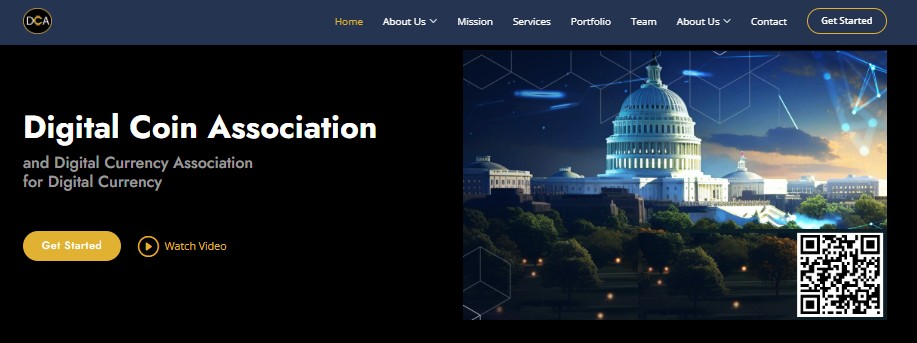
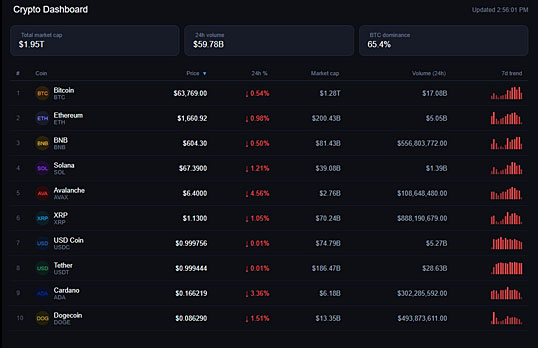
Digital Coin Association
Website design and development project.
DCA Mission to educate public
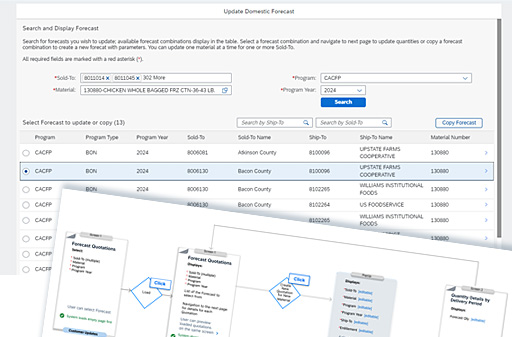
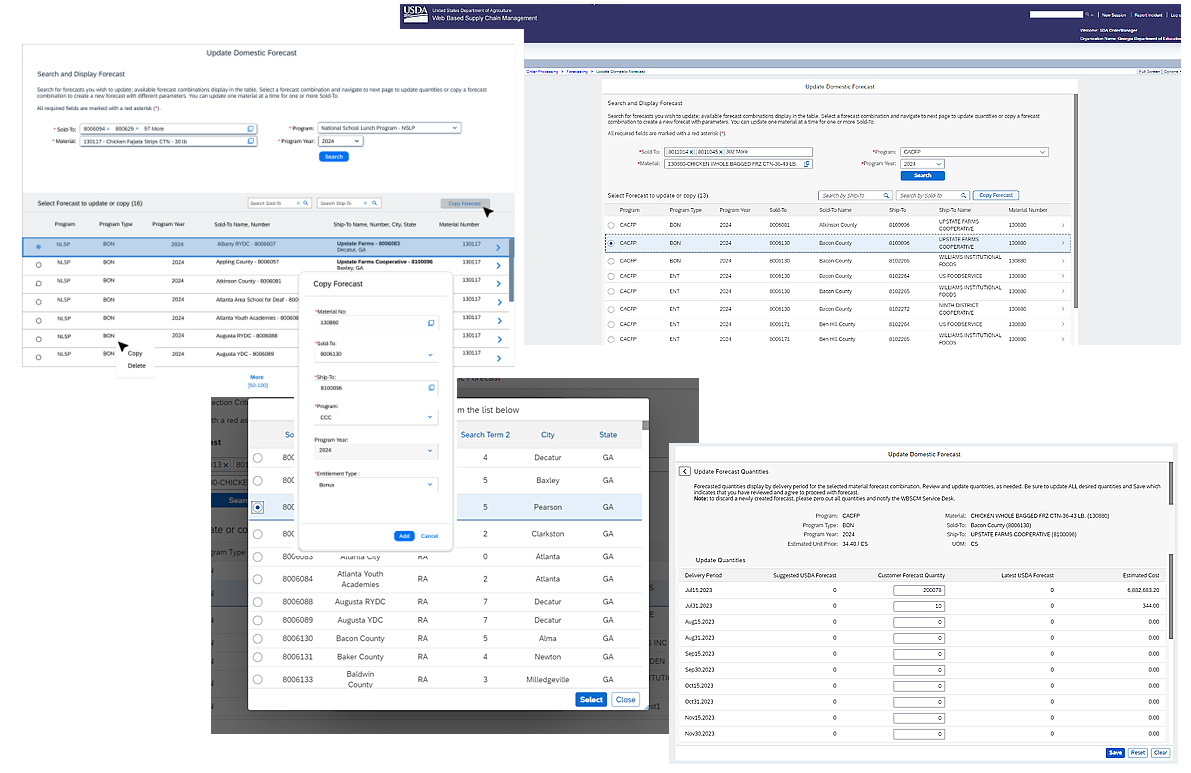
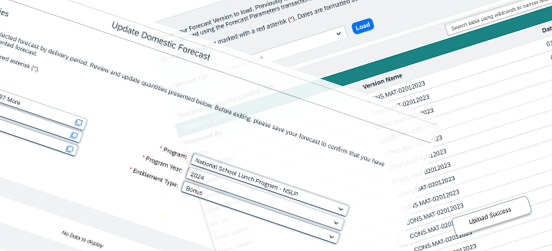
Update Forecast application
Chain Supply Management - Application Development SAP UI5 Fiory.
USDA Government agency.
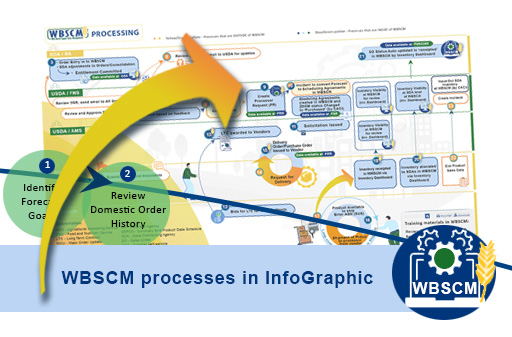
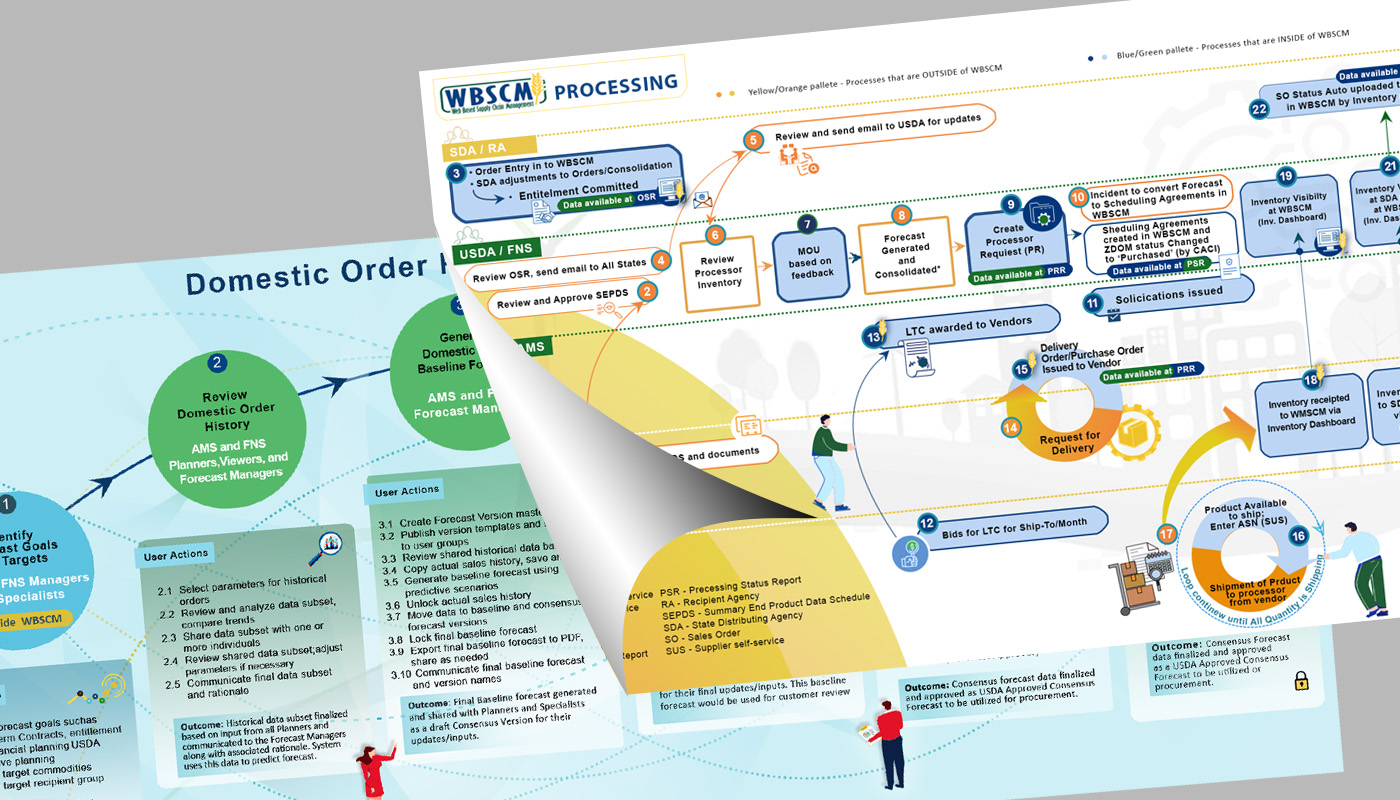
Web Based Supply Chain Management
InfoGraphic for multiple trainings to illustrate business processes.
USDA Government agency.
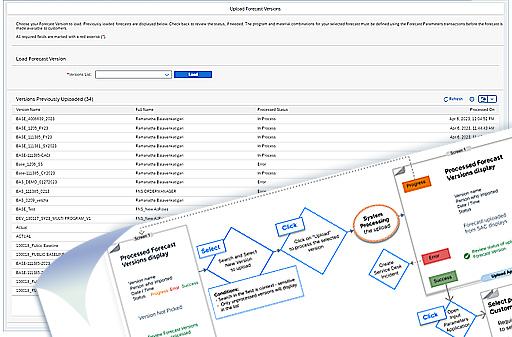
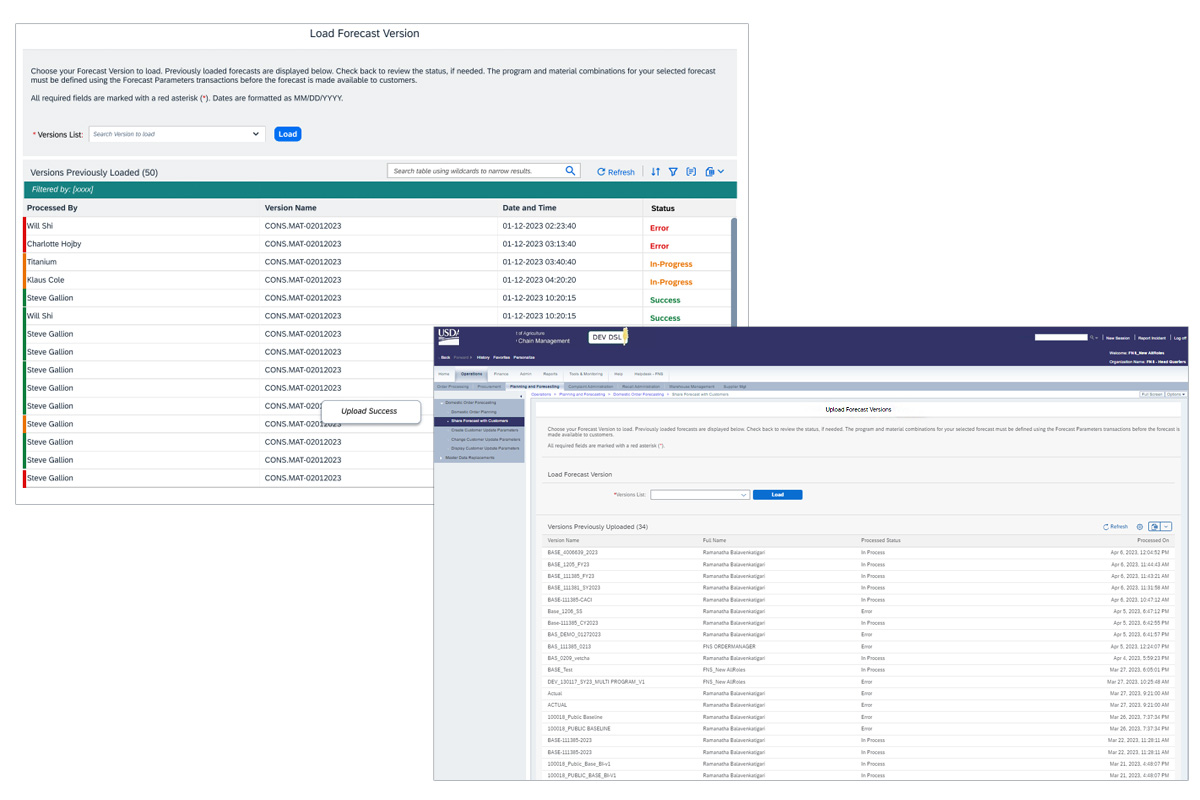
Load Forecast application
Chain Supply Management - Application Development SAP UI5 Fiory.
USDA Government agency
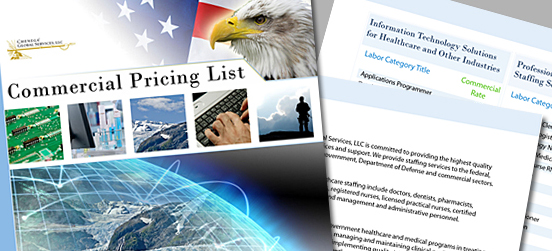
Print design
B2B
Layout Design for Print and Proposals.
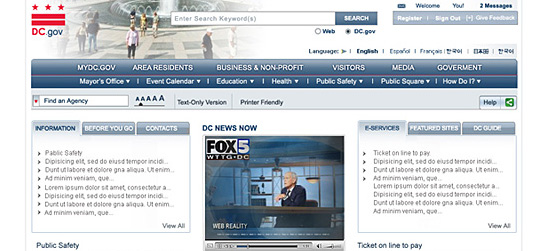

FSI
Foreign Service Training Center.
Training development for online delivery to USA Foreign Officers
U.S. Deaprtment of State.
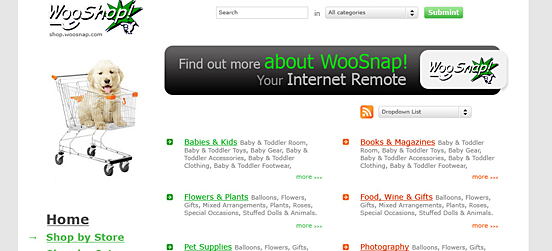
Wooshop
Interface design, development
B2B
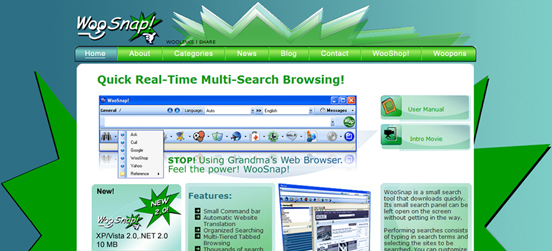
Woosnap
Interface design and development
B2B
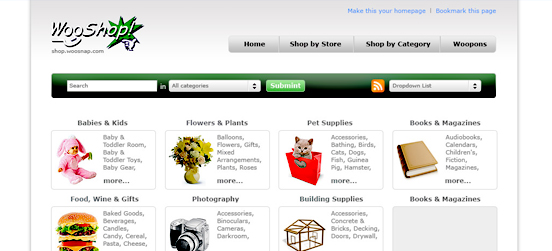
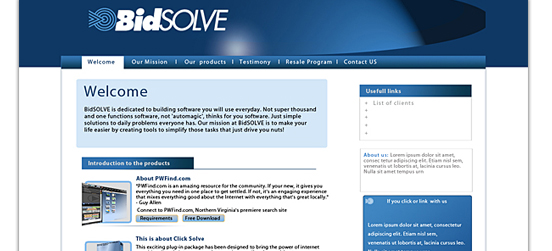
Wooshop
Interface design, development
B2B

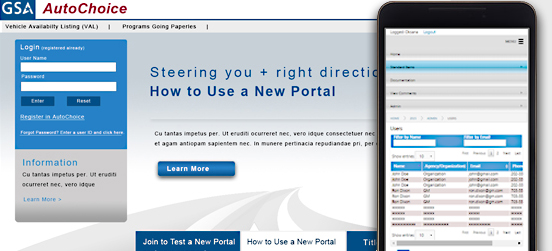
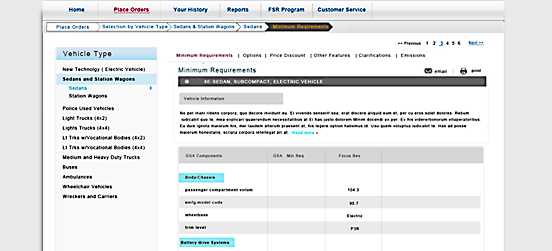
GSA AutoChoice
IUser Interface design development
Provides vehicle solutions to assist federal agencies
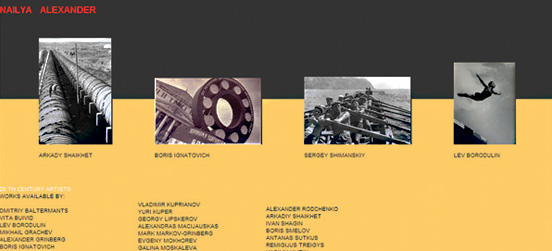
Nailya Alexander Gallery NY
Work on a Gallery website with multiple photographs
B2B
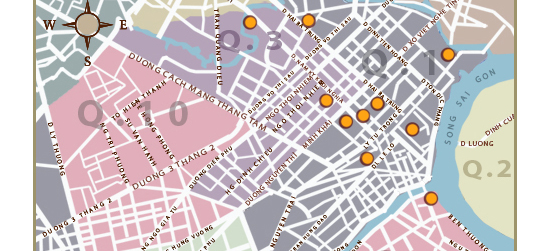
FSI
Language Programs
Government agency
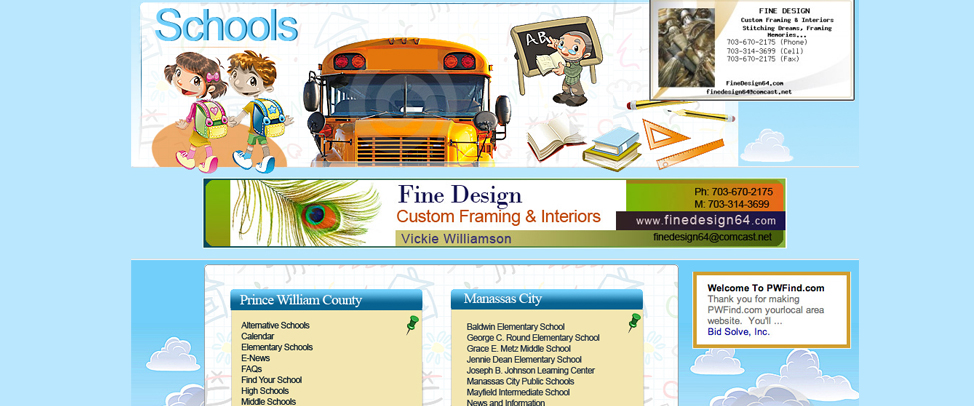
LinkingNova
Interface design, development
B2B
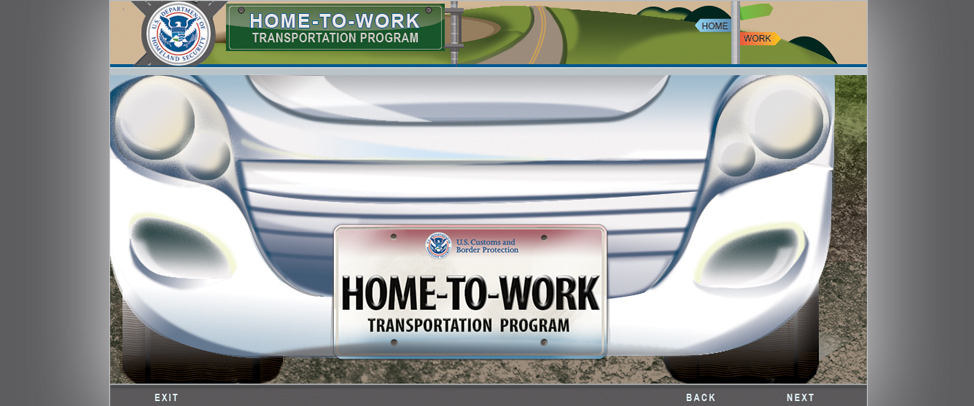
Home-To-Work
On-line training program developed for government agency.

IPR Sample Bonds
Illustration, Photoshop, Flash
On-line training for government agency
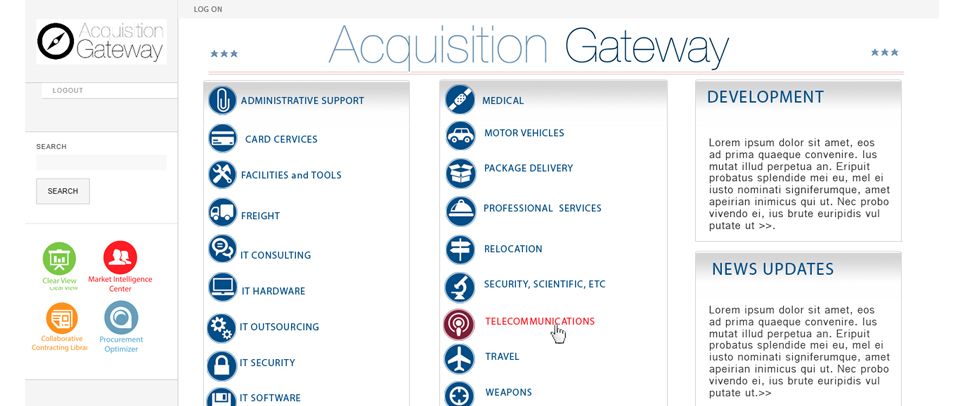
Acquisition Gateway
Interface layout design developed for the federal government

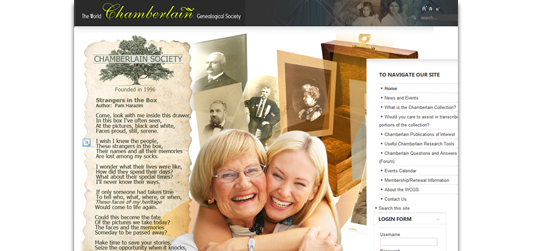
Linkingnova
User Interface design, development
B2B
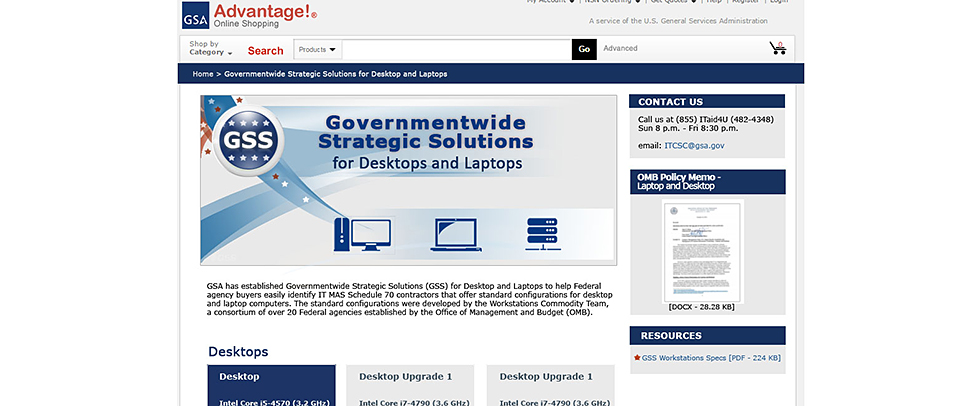
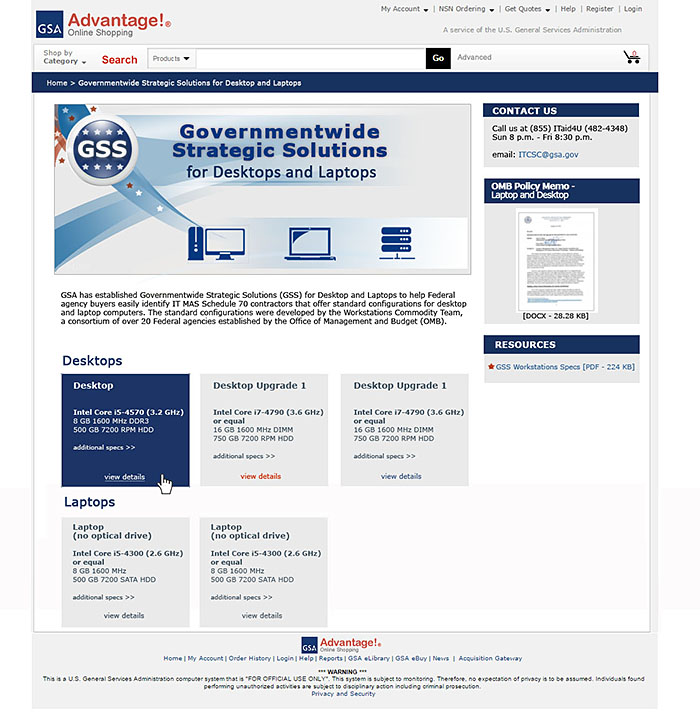
GSA Advantage!
Interface layout design developed for GSA Governmentwide Strategic Solutions online shopping and ordering system.
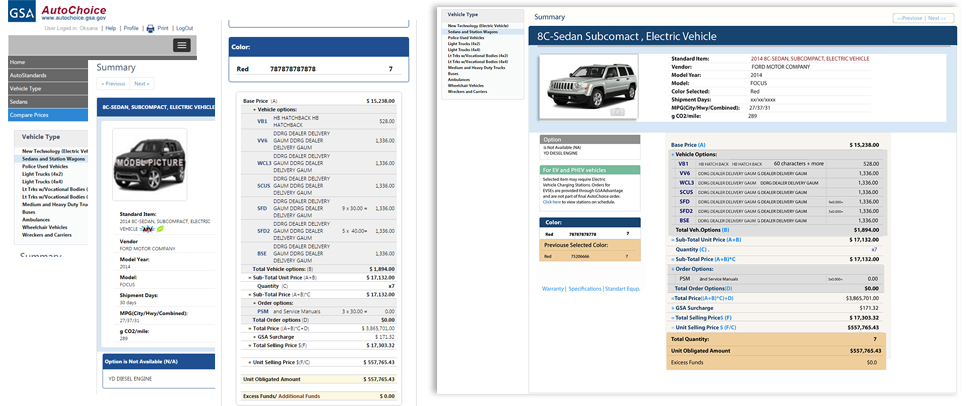
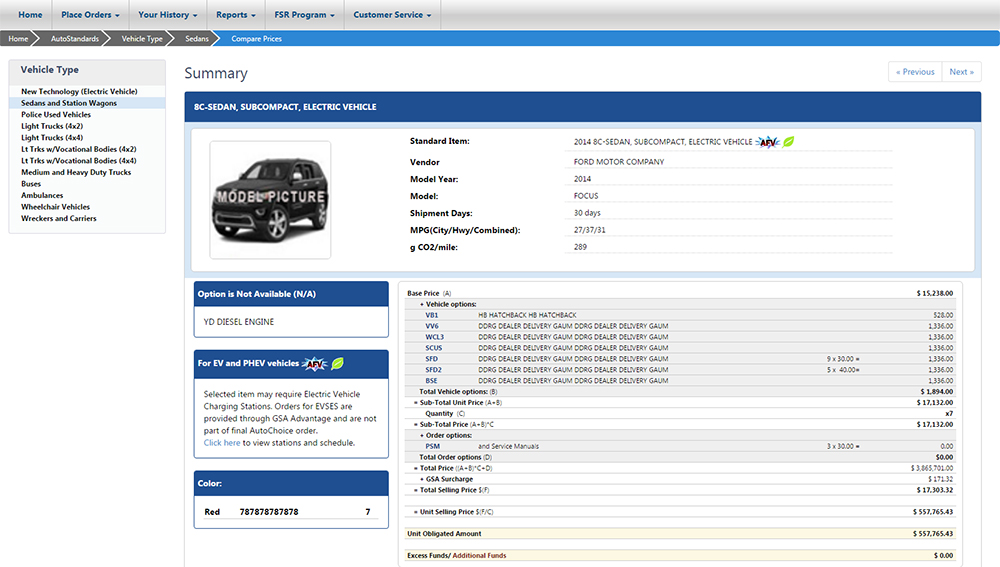
GSA AutoChoice
User Interface design & development
Provides vehicle solutions to assist federal agencies
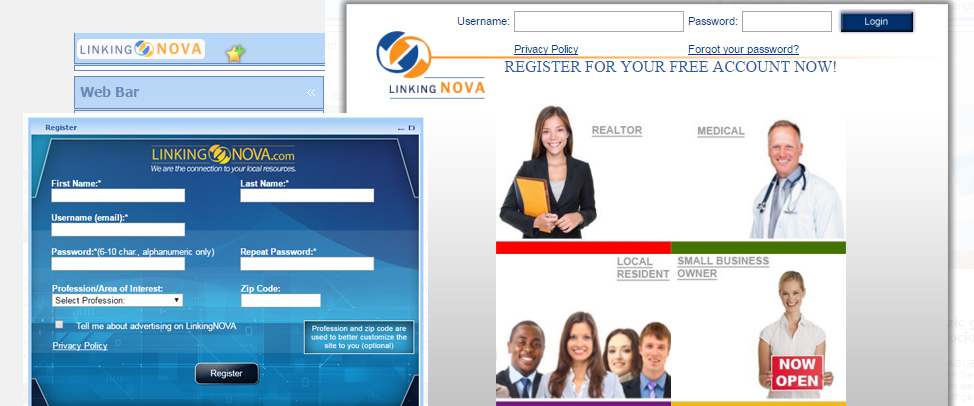
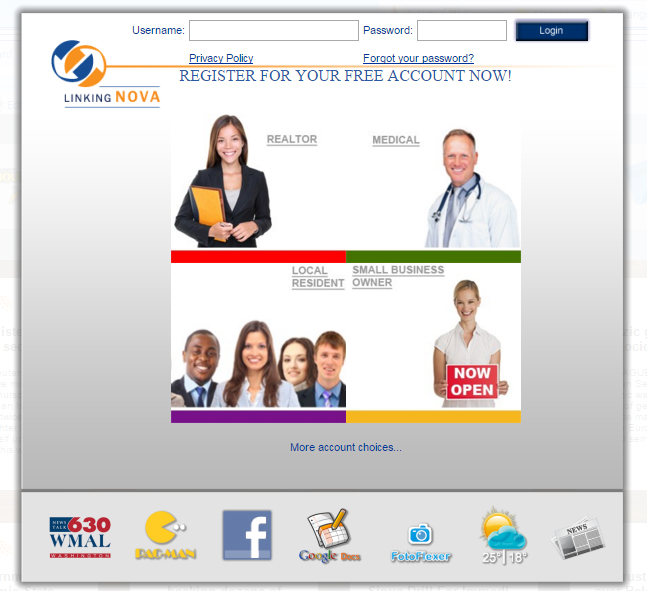
Linkingnova
User Interface design, development
B2B
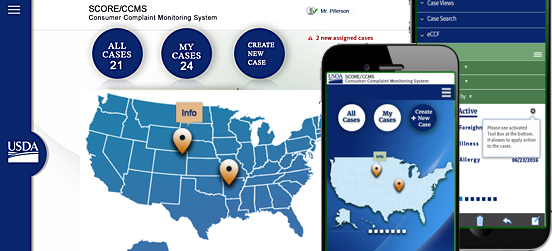
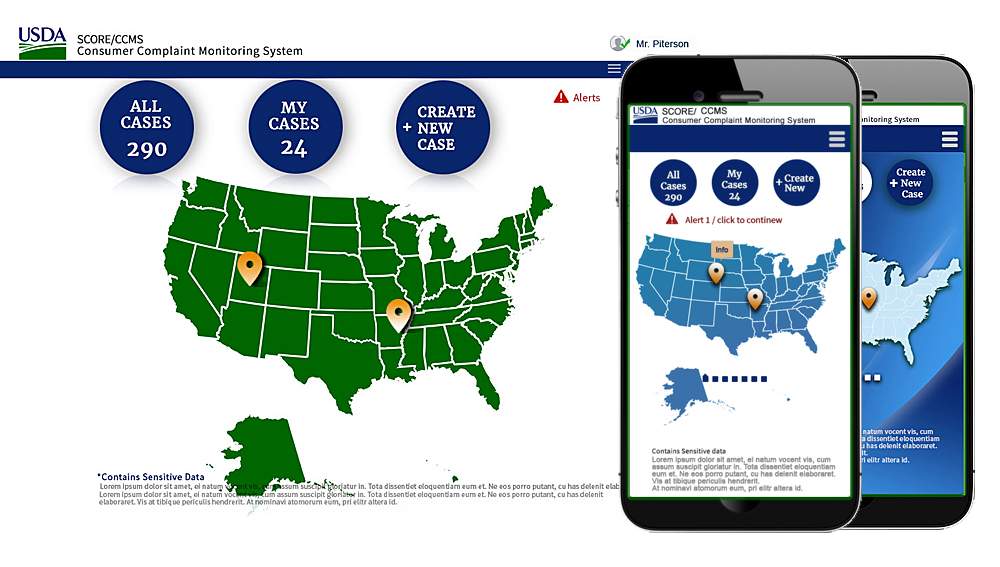
USDA
User Interface responsive design
Analysis and Design for Consumer Complaint Monitoring System US Department of Agriculture
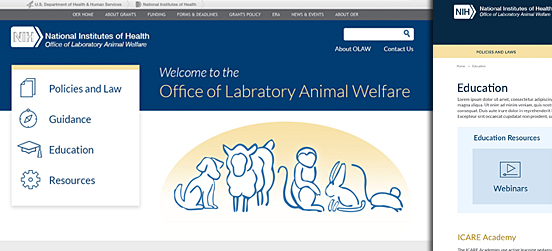
NIH OLAW
User Interface responsive design
Analysis and Design for National Institute of Health https://olaw.nih.gov
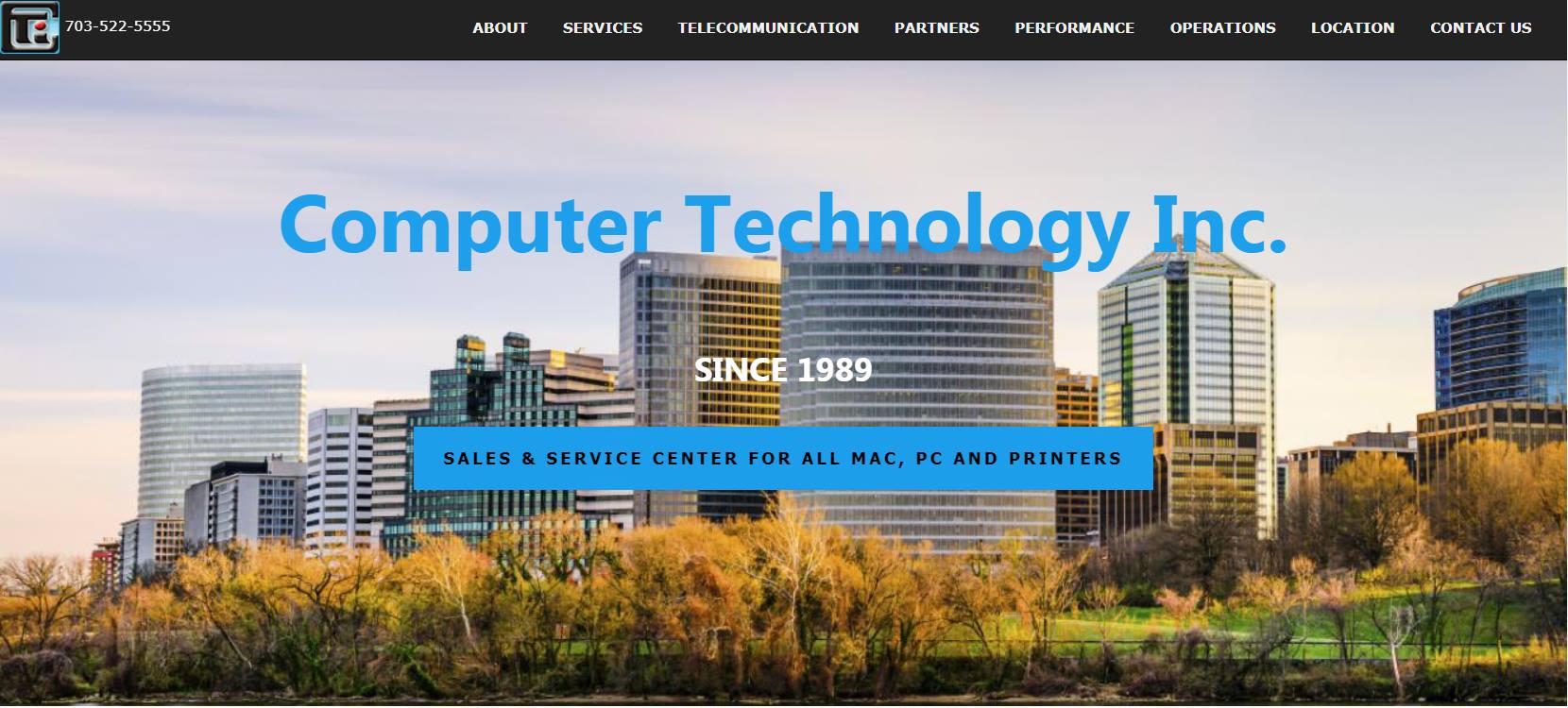
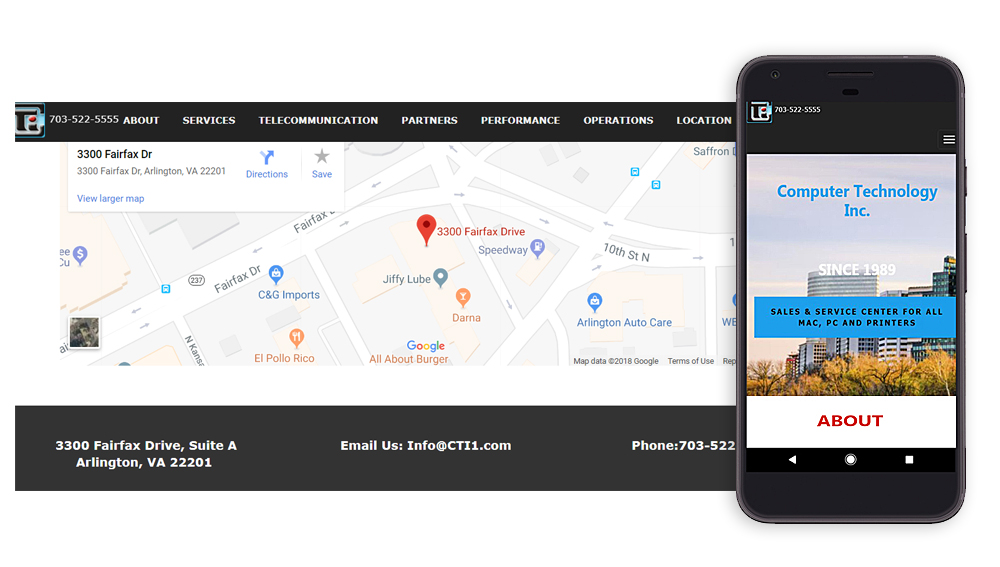
Computer Technology Inc.
Responsive Website for small Computer business in Arlington, VA http://cti1.com
About
Notes are bite-sized pieces of information partially related to the visualization process and news about the technology behind it.
-

ShemetDesign
presents partial work of one of the designers with more than 15 years of experience developing creative solutions. Driven by a passion for the most aesthetic designs, her specializations are User Experience, User Research/Analysis, and User Interface Design for desktop and mobile applications.
-
Forward thinking
is a goal of application and web design. Understanding the importance of simplicity for UX and layout design in advanced technologies can help engage more users and gain your customers' confidence. It provides 508 Compliant Design and engages Users with Accessibility issues.
-
Interaction Design
Interaction Design translates knowledge of your users’ goals into meaningful, easy-to-use functionality. The data gathered in user research and user testing helps create an excellent user-centered design.
-
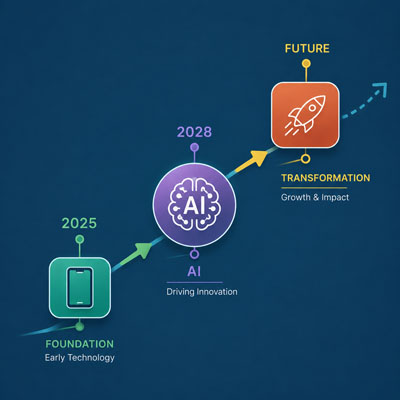
The Evolution Of User Interface Design
The web continues to evolve rapidly, and modern design now incorporates AI-driven technologies that are changing how users interact with digital products. In recent years, desktop computers shifted to laptops, while smartphones, tablets, and AI-powered applications have transformed everyday online experiences. As a result, user expectations, personalization, automation, and digital interactions are geting far more advanced today than they were just a few years ago.
-

User Experiences Analysis
Derive business processes, analyze user needs, assist in requirements definition, design browser-based interfaces, and design and conduct usability testing. Elicit business goals and user needs from stakeholders. Create Personas and Scenarios of Use. Create and refine screen prototypes: document user requirements, screen designs, design recommendations, and Style Guides. Technology is a means to an end whose purpose is to make great ideas a reality. And while the ideas may be ambitious, the technology behind them should be easy to maintain and use.
-
Make me
Part Of your
Story!
Agencies & Organizations